Smart Tags and NFC: Modern ID
QR codes and NFC chips turn a found dog into a phone tap — but only as a layer on top of the two things that actually reunite dogs: a plain tag and a registered microchip.
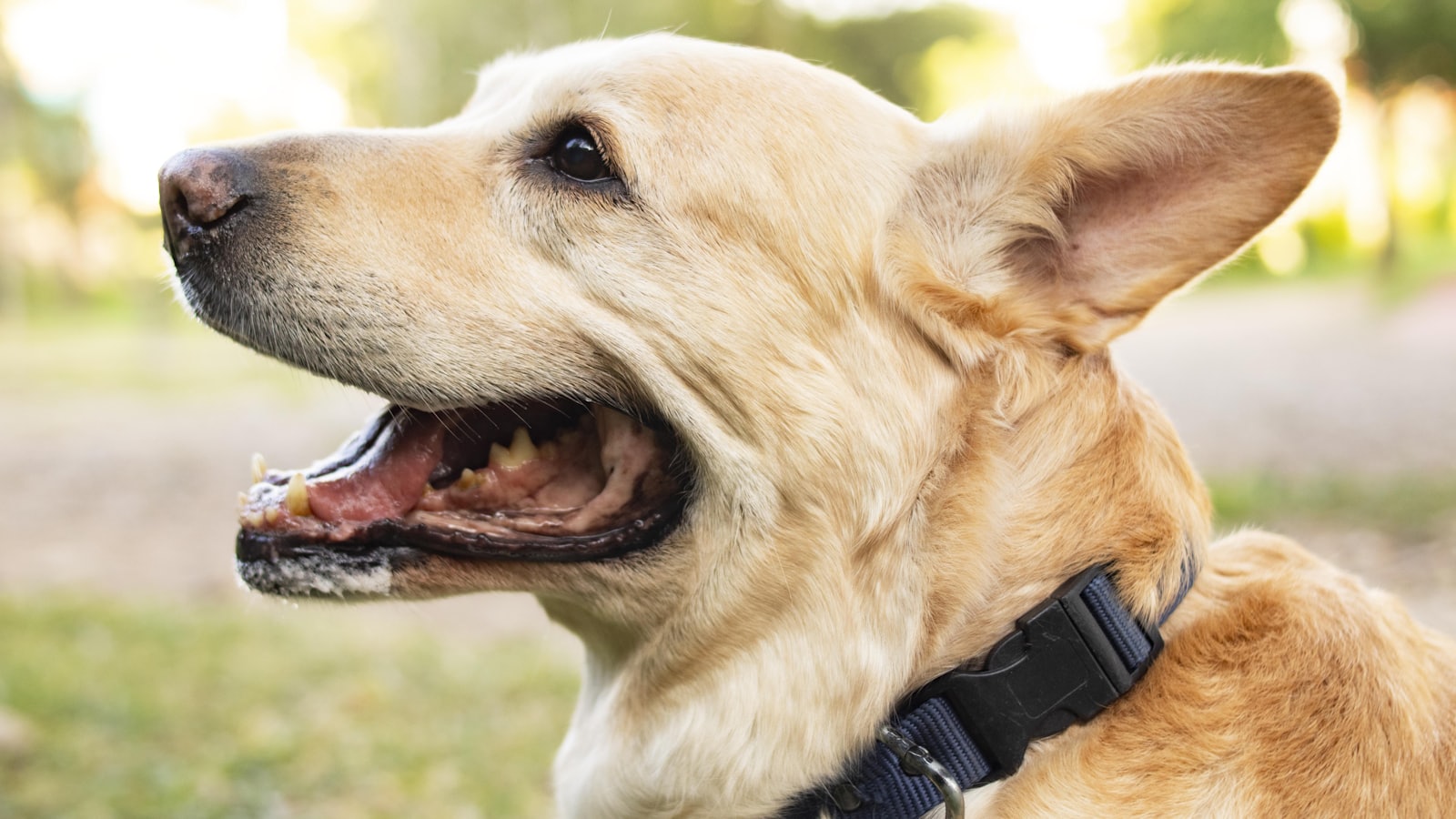
A neighbor finds your dog, taps their phone to the collar tag, and up pops your number, your dog's name, a note that says 'friendly, needs meds twice daily.' Smart ID tags are genuinely useful — but they arrive wrapped in a dangerous marketing implication: that they replace the old-fashioned stuff. They don't. The reunion hierarchy is fixed: a legible tag and a registered microchip do the heavy lifting; the smart tag is a nice third layer — and getting that order wrong is how connected dogs stay lost.
A smart tag is a great third lock on the door. It's a terrible replacement for the first two.
📋 Quick Read
- The ID hierarchy, in order: (1) a plain legible collar tag with your phone number, (2) a microchip with CURRENT registration, (3) smart tags (QR/NFC) as a convenient extra layer.
- Smart tags shine at instant contact — a finder's phone taps the tag and reaches you (and can show notes, photos, medical needs) without a scanner or a database lookup.
- Their fatal flaws as a sole solution: they can fall off with the collar, need a charged smartphone and sometimes an app subscription, and — like every tag — do nothing if the dog is collar-less. The implanted chip is the backstop that survives all of that.
The hierarchy, and why order matters
Layer one, non-negotiable: a physical tag on the everyday collar with your current phone number (a name is optional and some prefer to omit it; a number is essential). It requires zero technology from the finder and produces the fastest reunions. Layer two, the backstop: a microchip that is registered with your live contact information — implanting is half the job, and the forgotten half (keeping the registry current after a move or number change) is where most chip failures actually happen. Layer three, the enhancement: QR or NFC smart tags. Note the order isn't about which is newest — it's about which fails safe. The chip survives a lost collar; the plain tag survives a dead phone; the smart tag makes the good outcome better. Build from the bottom.
What the smart layer genuinely adds
When it works, it's lovely: a finder taps their phone (NFC) or scans a QR code and immediately reaches you — no scanner, no calling a registry, no waiting for a shelter. Better services show what you choose to share: multiple contacts, your dog's name and photo (proof they've got the right dog), medical needs ('diabetic, needs insulin' can be genuinely lifesaving), behavior notes ('scared of men, approach slowly'), and sometimes a timestamp and location of the scan. For dogs with medical conditions or specific handling needs, that instant rich-context handoff is a real upgrade over a phone number alone. It also updates instantly — new number, new note, no re-engraving. As a layer, it's a clear win.
Stack all three, then maintain them
The complete kit: legible number tag + current-registration microchip + smart tag, with a GPS tracker added for high-risk dogs (that's the locate-vs-reunite distinction from the GPS lesson — trackers find a dog in motion; ID gets a found dog home). Then maintain it, because ID rots silently: after any move or phone change, update the chip registry, the smart-tag profile, AND re-check the physical tag is still legible (they wear out). Do a twice-a-year audit — read your own tag, test-scan your own smart tag, log into the chip registry to confirm it's current. The reunion you're building for happens on the worst day, when a barrier failed and a dog you love is loose; the whole point of stacking layers is that on that day, at least one of them works.
- Legible physical tag with a current phone number
- Microchip implanted
- Microchip registration confirmed current (the forgotten half)
- Smart tag (QR/NFC) added, profile filled in
- Medical/behavior notes on the smart tag (if relevant)
- GPS tracker for a high-flight-risk dog
- Recent photo on file for lost-dog posts
🗓 This Week's Plan
- Days 1–2: Run the Self-Scan Test on all three layers; note what's stale or missing.
- Days 3–4: Fix the gaps — re-engrave a worn tag, update the chip registry, fill the smart-tag profile.
- Days 5–7: Add any missing layer, store the chip number and photo in the app, and set a twice-yearly audit reminder.
Audit your reunion stack in Pak Social
Three layers, in order, all current. The smart tag is a great addition — right on top of the two boring things that actually bring dogs home.
Get Pak Social — Free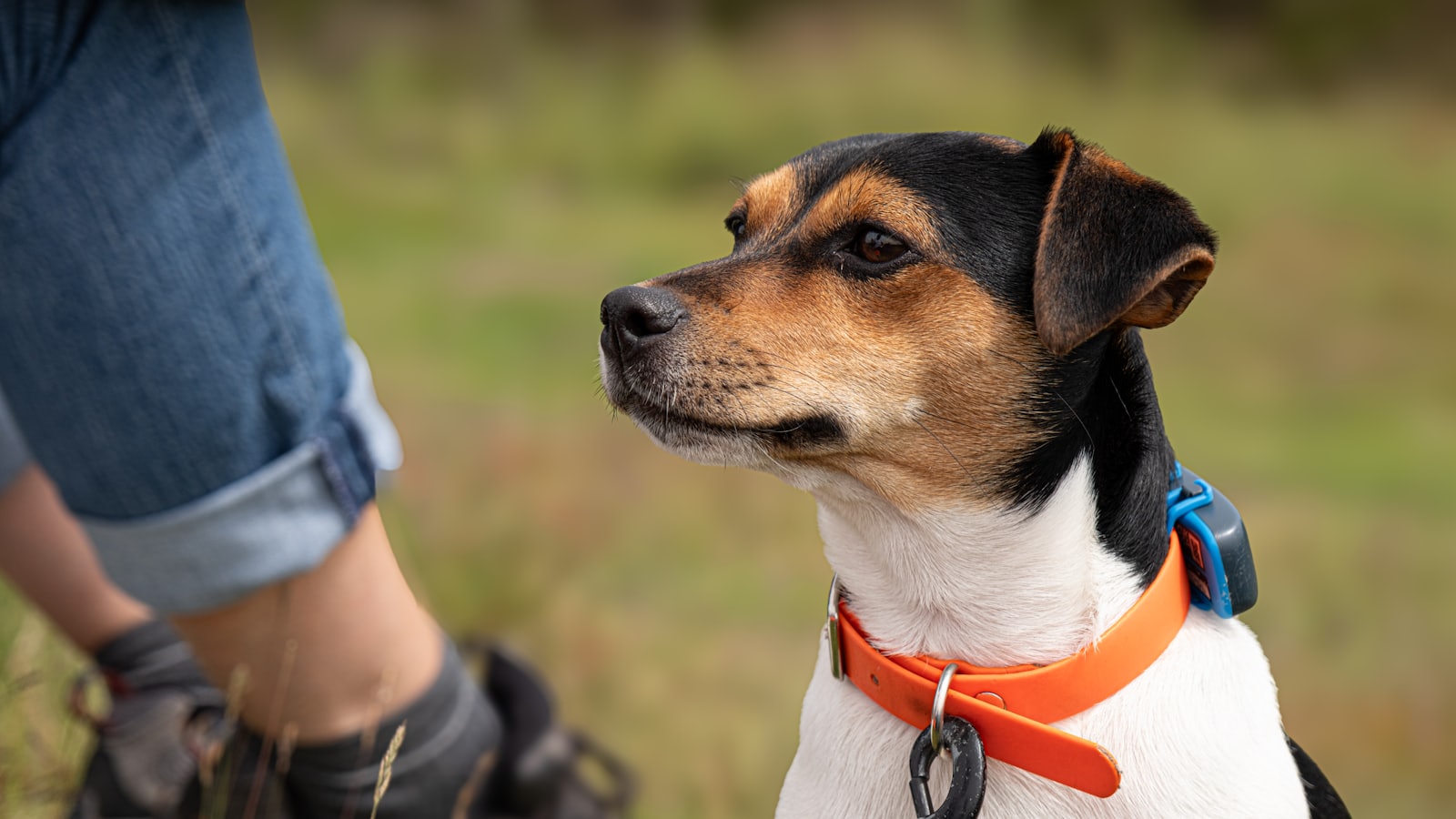 ➡️ Up nextGPS Trackers for Dogs: A Buyer's Lens4 min read›